
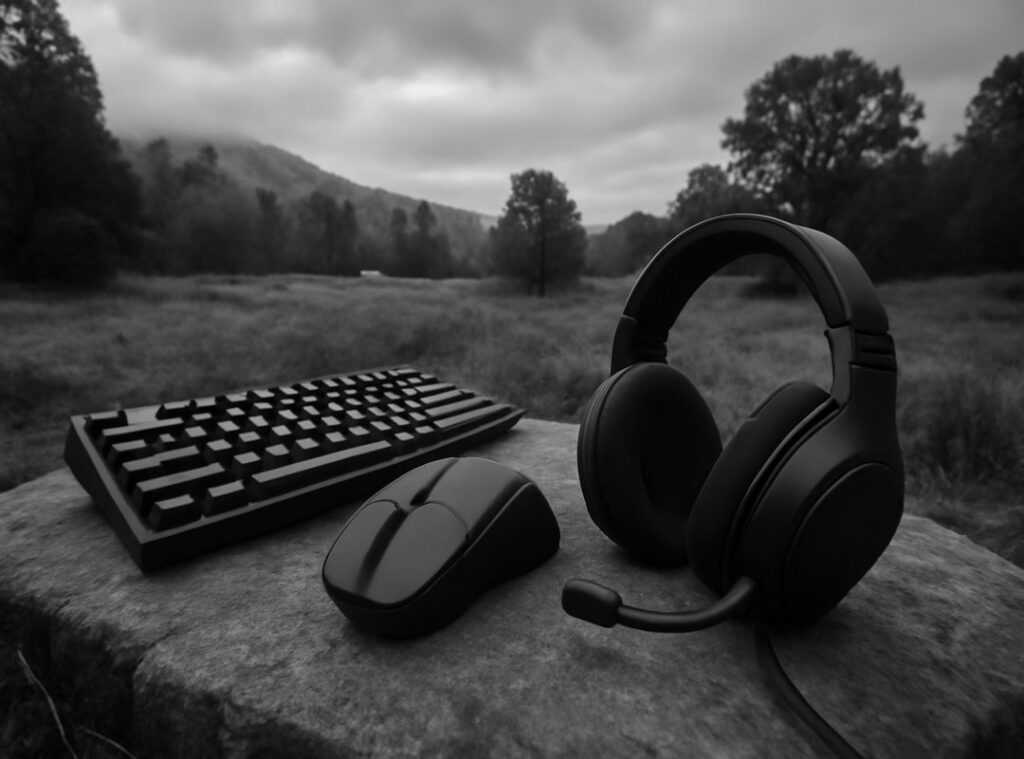
Every gamer knows the frustration: you’re deep in a match, adrenaline high, and then. Bam! A mis-click or hand cramp causes you to lose.
It’s maddening. But what if I told you that improving your setup with ergonomic gaming accessories could change that? This isn’t just about comfort.
It’s about gaining a competitive edge.
I’ve analyzed professional players’ setups, and they all have one thing in common. Every piece of gear is chosen for performance, not just looks. They know that ergonomics can mean the difference between winning and losing.
And that’s what we’re diving into.
I’m offering a clear guide to help you select and use these accessories effectively. Boost your endurance, consistency, and results. Ready to level up your game?
Let’s transform your setup into a powerhouse.
Beyond Comfort: The Gains of Ergonomics
Let’s talk about ergonomics. It’s not just some fancy word tossed around by office chair companies. In competitive gaming, it’s the art of crafting your setup to keep fatigue at bay.
Why should you care? Because it can directly boost your performance.
They help you maintain sustained precision and cut down on those annoying error rates (especially in aim-heavy games). And let’s not forget how keeping your body comfy can keep your Actions Per Minute (APM) high and steady over lengthy sessions.
Think about it. If you’re constantly adjusting your posture or wincing from wrist pain, you’re not playing your best. Ergonomic gaming accessories are designed to minimize these issues.
Consider this: A gamer’s setup is like a professional athlete’s gear. Imagine a runner with poorly fitted shoes. Not great, right?
The same logic applies here. A well-set gaming station can be just as key for your game as a cyclist’s perfectly adjusted bike.
Here’s the kicker. It’s not just about comfort. It’s about protecting your career.
Nobody wants to be sidelined by repetitive strain injuries like carpal tunnel. Serious gamers need to think long-term.
If you’re looking to up your game, focus on optimizing your gear. Need some advice? Check out these maximizing gear efficiency tips pros.
It’s all about fine-tuning those details that set you apart in the competitive arena. Remember, gaming is as much about the right setup as it is about skill.
Mastering Ergonomic Gear: Mice and Keyboards
Choosing the right ergonomic gaming accessories can make or break your gameplay. Let’s talk mice first. You’ve got three main grip styles: palm, claw, and fingertip.
Each has its own vibe. Palm grip gives more control, claw is for precision, and fingertip is all about speed. Now, matching the mouse shape to your grip style is key.
For palm, go for a larger, more rounded shape. Claw and fingertip? Smaller, lighter mice do wonders.
Speaking of weight, it matters. Lightweight mice are the go-to for fast-paced FPS games. They let you whip around quickly.
But sometimes, a heavier mouse gives you the stability you need in different genres. Ever tried switching mid-game? It feels like you’re learning to walk all over again.
Keyboards are another story. Different layouts like TKL, 75%, and 65% can really help your posture. They bring your mouse closer, which is a game-changer for natural shoulder and arm positioning.
And don’t underestimate the power of a good wrist rest. It should support your palm (not the wrist) to keep that neutral angle.
Want to talk switches? Different keyboard switch types impact how your fingers feel after a long session. Some need more force, which can lead to fatigue.
It’s like running a marathon with ankle weights.
I’ve learned these lessons the hard way. You don’t want to end up with a sore wrist or cramped fingers. Trust me.
If you’re serious about gaming, investing in the right gear is key. Check out gaming furniture: chairs, desks & accessories for more on setting up your space. It’s all about creating a comfortable and competitive environment.
The Foundation: Why Your Chair and Desk Dictate Your Performance
Let’s cut the fluff. Your chair and desk aren’t just furniture. They’re your secret weapons in the gaming world.

Good posture sets the stage for every precise movement you make. Ever tried aiming with a stiff neck? It’s a disaster.
When it comes to gaming chairs, forget the flashy designs. Focus on what really matters: adjustability. Changing lumbar support, 4D armrests, and seat depth/height controls are key.
Who cares if it glows in the dark if it doesn’t support your spine?
Here’s how I set up my chair for optimal gaming posture. First, make sure your feet are flat on the ground. Knees should be at a 90-degree angle, with arms parallel to the floor.
Adjust the armrests so your shoulders can relax. This takes the strain off your neck and shoulders, directly affecting your mouse arm stability. And trust me, you want stability.
Desks are equally important. Height-adjustable desks are a game-changer (literally). They let you manage your energy levels and combat the negative effects of prolonged sitting.
Ever heard of sit-stand desks? They’re not just a fad. They keep you active and engaged.
Desk depth matters too. You need the correct monitor viewing distance. Too close and you’re straining your eyes.
Too far and you’re squinting. Plus, ample space is key for full-range mouse movement (no) more bumping into things mid-battle.
So, what can you do? Start customizing gear personalized performance for an edge in your gaming setup. Your posture is your foundation.
And ergonomic gaming accessories are your tools. Don’t underestimate them. They could be the difference between winning and losing.
Pro Tip: Always prioritize function over form. Your body will thank you later.
Completing the Space: Must-Have Ergonomic Gear
When it comes to gaming setups, people often overlook the supporting gear. Yet, these ergonomic gaming accessories can make all the difference. Take monitors, for example.
The top of your monitor should be at or slightly below eye level. Why? Because craning your neck up for hours (or even just one intense session) is a surefire way to end up with neck strain.
Using a VESA monitor arm is like having a butler for your screen. It lets you adjust the height, depth, and angle perfectly. Plus, it frees up desk space for all those action figures you pretend are paperweights.
Flicker-free tech and blue light filters? They’re not just marketing fluff. They actually help reduce eye strain during those marathon gaming nights when you lose track of time.
Trust me, your eyes will thank you.
Headsets are another story. Ever wonder why some headsets feel like a vise grip? Clamping force and weight are the culprits.
Too much pressure or weight leads to headaches and breaks your focus. Personally, I always weigh the trade-offs between leatherette and fabric earpads. Leatherette can trap heat, while fabric’s more breathable.
These choices may seem trivial, but when you’re in the zone, comfort is king. So, if you want to level up your setup, don’t skimp on these details. Your body, and your game, deserve it.
Level Up Your Gaming Setup Today
Physical fatigue is your enemy, not just aesthetics. A truly competitive setup is built on performance-driven ergonomics. You know it.
I know it. When your body screams after long sessions, you’re not playing your best. So why let discomfort be your downfall?
Start with an audit of your current setup. Identify where that physical pain hits hardest. Then, fix it with ergonomic gaming accessories.
Upgrade that one piece first. Transform your gaming space into a powerhouse of comfort and consistency. We’re here to help.
Visit hmcdgaming.com now and crush fatigue. Your best game isn’t far off.
 David Obrienaivo writes the kind of game strategy breakdowns content that people actually send to each other. Not because it's flashy or controversial, but because it's the sort of thing where you read it and immediately think of three people who need to see it. David has a talent for identifying the questions that a lot of people have but haven't quite figured out how to articulate yet — and then answering them properly.
They covers a lot of ground: Game Strategy Breakdowns, Pro Perspectives, Competitive Gaming Tactics, and plenty of adjacent territory that doesn't always get treated with the same seriousness. The consistency across all of it is a certain kind of respect for the reader. David doesn't assume people are stupid, and they doesn't assume they know everything either. They writes for someone who is genuinely trying to figure something out — because that's usually who's actually reading. That assumption shapes everything from how they structures an explanation to how much background they includes before getting to the point.
Beyond the practical stuff, there's something in David's writing that reflects a real investment in the subject — not performed enthusiasm, but the kind of sustained interest that produces insight over time. They has been paying attention to game strategy breakdowns long enough that they notices things a more casual observer would miss. That depth shows up in the work in ways that are hard to fake.
David Obrienaivo writes the kind of game strategy breakdowns content that people actually send to each other. Not because it's flashy or controversial, but because it's the sort of thing where you read it and immediately think of three people who need to see it. David has a talent for identifying the questions that a lot of people have but haven't quite figured out how to articulate yet — and then answering them properly.
They covers a lot of ground: Game Strategy Breakdowns, Pro Perspectives, Competitive Gaming Tactics, and plenty of adjacent territory that doesn't always get treated with the same seriousness. The consistency across all of it is a certain kind of respect for the reader. David doesn't assume people are stupid, and they doesn't assume they know everything either. They writes for someone who is genuinely trying to figure something out — because that's usually who's actually reading. That assumption shapes everything from how they structures an explanation to how much background they includes before getting to the point.
Beyond the practical stuff, there's something in David's writing that reflects a real investment in the subject — not performed enthusiasm, but the kind of sustained interest that produces insight over time. They has been paying attention to game strategy breakdowns long enough that they notices things a more casual observer would miss. That depth shows up in the work in ways that are hard to fake.